
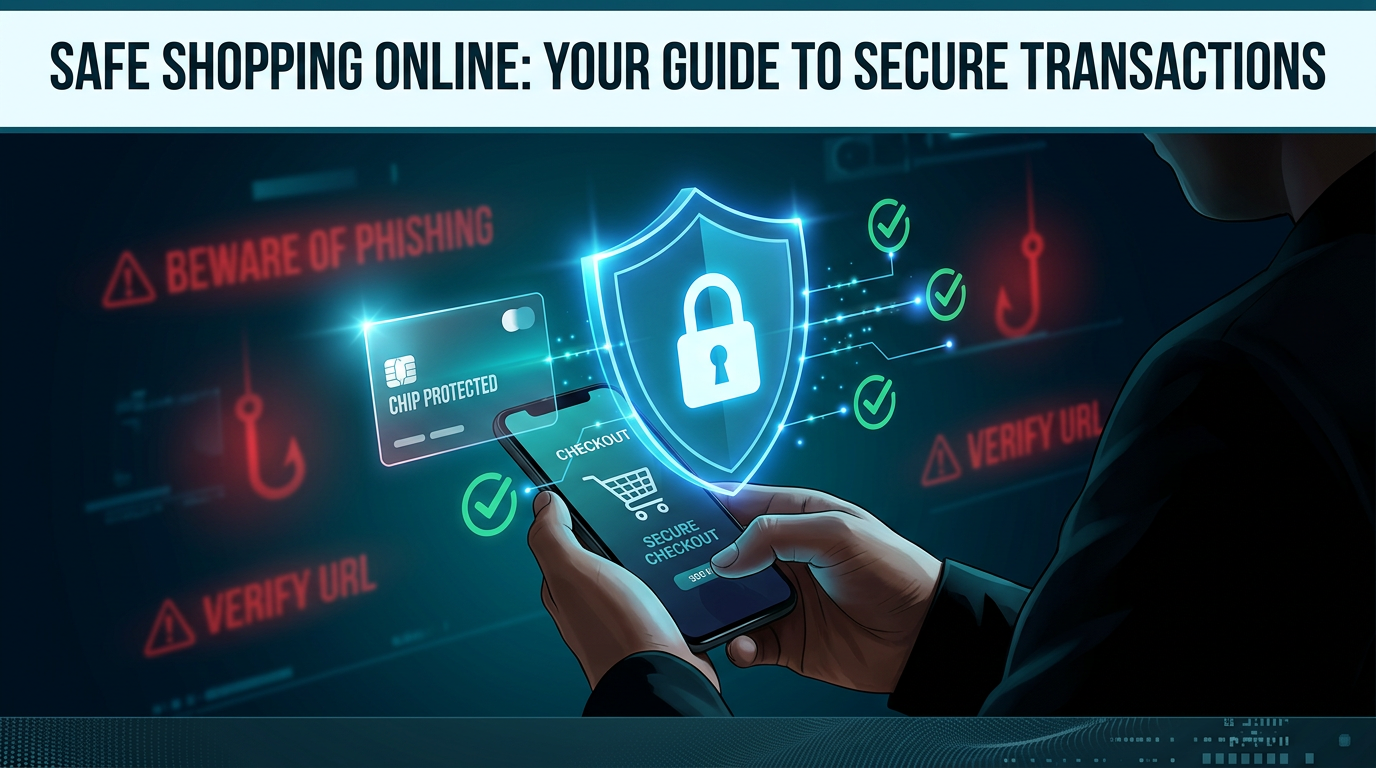
Online shopping has become part of daily life. People use websites and mobile apps to buy products and services. While this method is easy to use, it also requires care. Safe online shopping helps protect money, personal data, and time.
This guide explains how to shop online with safety and avoid common risks.
Why Safety Matters in Online Shopping
Online transactions involve sharing personal and financial information. This includes names, addresses, and payment details. If a platform is not secure, this data can be misused.
Safe shopping practices reduce the risk of fraud, scams, and data theft.
Choose Trusted Websites
The first step is to use trusted platforms. Well-known websites follow security standards and protect user data.
Before using a website, check:
- Website name and domain
- Contact information
- Customer support options
Avoid websites that look unclear or lack basic details.
Check Website Security
A secure website protects user data during transactions. Always check the website address before making a payment.
Look for:
- “https” in the URL
- A lock icon in the address bar
These signs show that the connection is secure.
Use Strong Passwords
Accounts on shopping platforms should have strong passwords. A weak password can be guessed or hacked.
Tips for creating a strong password:
- Use a mix of letters and numbers
- Avoid common words
- Do not reuse passwords across sites
Change passwords from time to time for better security.
Avoid Public Wi-Fi for Payments
Public Wi-Fi networks are not secure. Hackers can access data shared on these networks.
When making payments:
- Use a private internet connection
- Avoid logging into accounts on public networks
This reduces the chance of data theft.
Verify Seller Information
Some platforms allow third-party sellers. Not all sellers are reliable.
Before buying from a seller:
- Check ratings and reviews
- Read customer feedback
- Look at past sales
This helps identify trusted sellers.
Read Product Details Carefully
Product pages include important information. Skipping details can lead to wrong purchases.
Check:
- Product description
- Price
- Size or specifications
- Return policy
This reduces confusion after delivery.
Be Careful with Deals
Low prices can attract buyers, but not all deals are real. Some offers are used to trick users.
Warning signs include:
- Prices much lower than market value
- Limited-time pressure messages
- Unknown websites offering big discounts
Compare prices before making a decision.
Use Secure Payment Methods
Payment safety is important. Some methods offer better protection than others.
Safe options include:
- Credit or debit cards
- Trusted digital wallets
Avoid sending money through unknown channels. Do not share payment details with anyone.
Enable Two-Factor Authentication
Many platforms offer extra security through two-factor authentication. This adds a second step during login.
For example:
- Entering a code sent to your phone
- Using an authentication app
This prevents unauthorized access.
Monitor Your Transactions
After making a purchase, keep track of your transactions.
Check:
- Payment confirmations
- Bank or card statements
- Order history
If any unknown transaction appears, report it immediately.
Avoid Sharing Personal Information
Do not share personal details unless necessary. Some websites may ask for extra information that is not required.
Only provide:
- Name
- Address
- Contact number
Avoid sharing sensitive data like identity numbers.
Watch for Phishing Scams
Phishing scams try to trick users into sharing login or payment details. These often appear as emails or messages.
Signs of phishing:
- Messages asking for urgent action
- Links to unknown websites
- Requests for passwords or payment details
Always verify the source before clicking any link.
Check Return and Refund Policies
Before buying, read the return policy. This helps in case the product does not meet expectations.
Look for:
- Return time period
- Refund method
- Conditions for return
Clear policies make the process easier.
Keep Devices Secure
Use updated devices for online shopping. Security updates fix system issues and protect data.
Steps to follow:
- Install updates regularly
- Use antivirus software
- Avoid downloading unknown files
This keeps your device safe.
Save Proof of Purchase
After placing an order, save all details.
Keep:
- Order confirmation emails
- Payment receipts
- Tracking information
These records help if there is a problem with the order.
Log Out After Use
If you use a shared or public device, always log out after shopping. Leaving accounts open can lead to misuse.
This simple step adds an extra layer of safety.
Common Mistakes to Avoid
Many users face problems due to small mistakes. Avoid:
- Using weak passwords
- Ignoring website security
- Clicking unknown links
- Trusting unverified sellers
Awareness reduces these risks.
Role of Awareness in Safe Shopping
Safe online shopping depends on user awareness. Understanding risks helps users take the right steps.
Learning basic safety rules can prevent loss and protect data.
Conclusion
Safe online shopping is about making careful decisions at every step. From choosing the right website to completing payment, each action matters.
By following these tips, users can reduce risks and shop with confidence. Awareness, attention, and simple checks make online shopping a secure process.